The booking with three different cars
The other day I was thinking about one of those phone calls where the car changes halfway through the conversation.
It starts as, "the blue Ford." Then it becomes a Fiesta. The note from last time says Focus. Meanwhile, somebody is waiting for you to put the job in the diary.
You can type whatever you heard and hope for the best. Or you can ask for the registration and let the car identify itself.
That is the little MechanicO feature I want to talk about today.
One button, one useful check
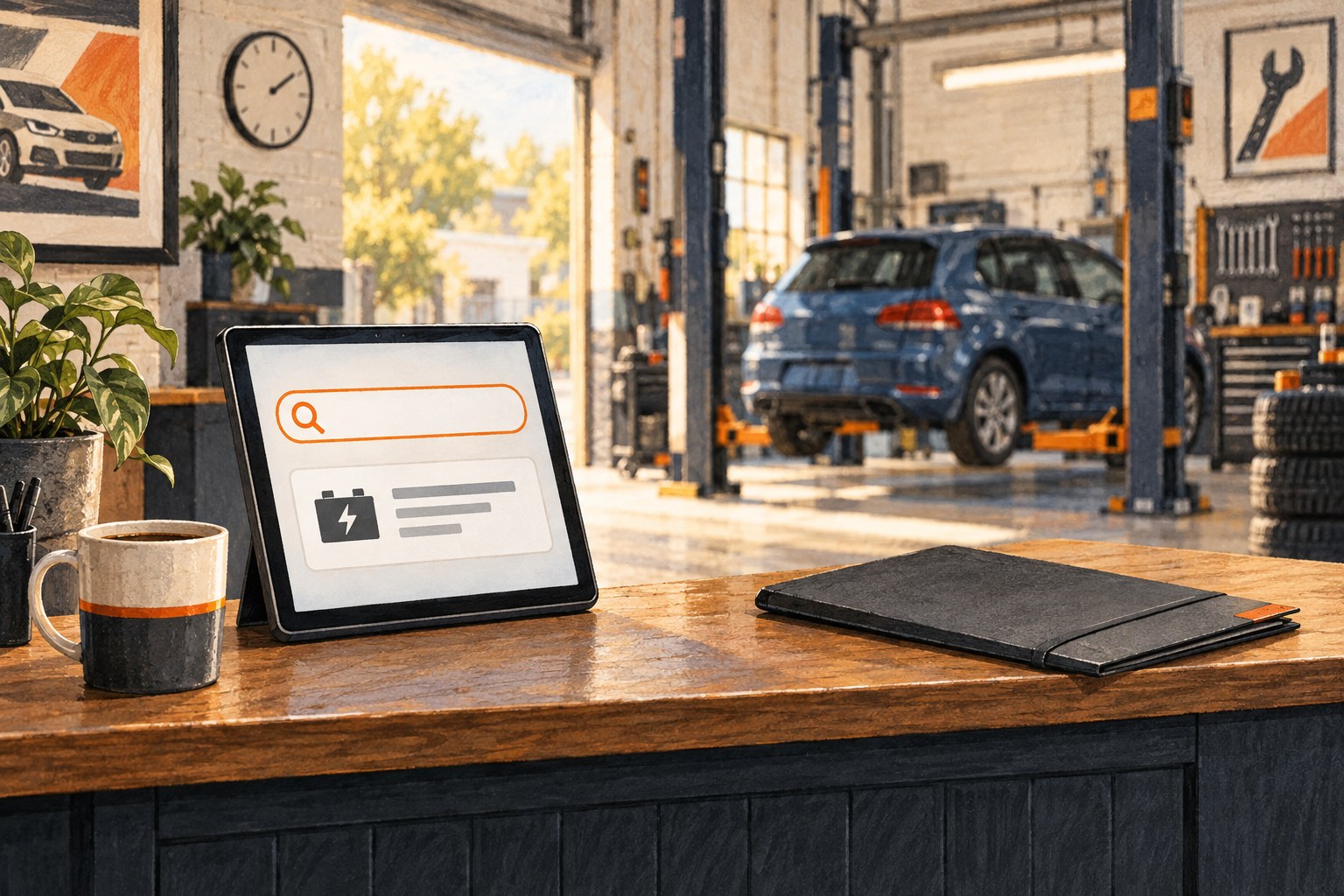
When you add the vehicle details to a booking, type the registration and choose **Find vehicle**.
MechanicO checks that registration through the DVSA MOT History service. That service lets authorised systems retrieve vehicle and MOT information for a single vehicle by registration number. [1]
When it finds a match, MechanicO fills the make and model. It also shows the useful facts returned for that vehicle. Depending on the record, that can include the year, colour, fuel type, engine size and MOT date.
You still see the information before the booking is saved. Nothing mysterious is happening behind the curtain. The point is simply to put the likely car in front of you while the customer is still there.
Here's where it gets useful
Imagine the customer says it is a white Fiesta, but the registration comes back as a blue Focus.
That does not mean the computer gets to win an argument. It means you have a good reason to pause and check the plate again.
Maybe one character was heard wrongly. Maybe the customer has two cars. Maybe the note was copied from an old booking. It is much easier to sort that out now than when the wrong vehicle turns up for a job booked against the wrong details.
That is what I like about this feature. It catches a small wobble at the moment when fixing it takes ten seconds.
Less typing, fewer guesses
Without the lookup, somebody has to type the registration, make and model by hand. On a busy morning, that often means abbreviations, spelling variations and the occasional heroic guess.
With the lookup, the registration does most of that work. The make and model field is filled for you, and the result gives you a quick visual check.
That saved me a few clicks. More importantly, it gives the next person opening the booking a clearer idea of what is actually coming through the door.
Not exactly life-changing. But very handy.
It does not hold the booking hostage
Now, this bit I like.
If the registration cannot be found, or the lookup service is having a bad day, you can still enter the make and model yourself and carry on. The useful button does not become a locked gate.
That matters in a garage. A customer should not be stuck on the phone because one outside service has gone for a tea break.
The lookup helps when it can. The manual box is still there when it cannot.
My one small habit
I would read the result back before saving the booking.
"I've got a blue Ford Focus. Is that the one?"
That single question turns the lookup from a typing shortcut into a useful check. If the answer is yes, carry on. If the answer is no, sort it while everybody still remembers what they meant.
Simple.
A number plate is often the quickest route to the right car. MechanicO just makes that route a little shorter.