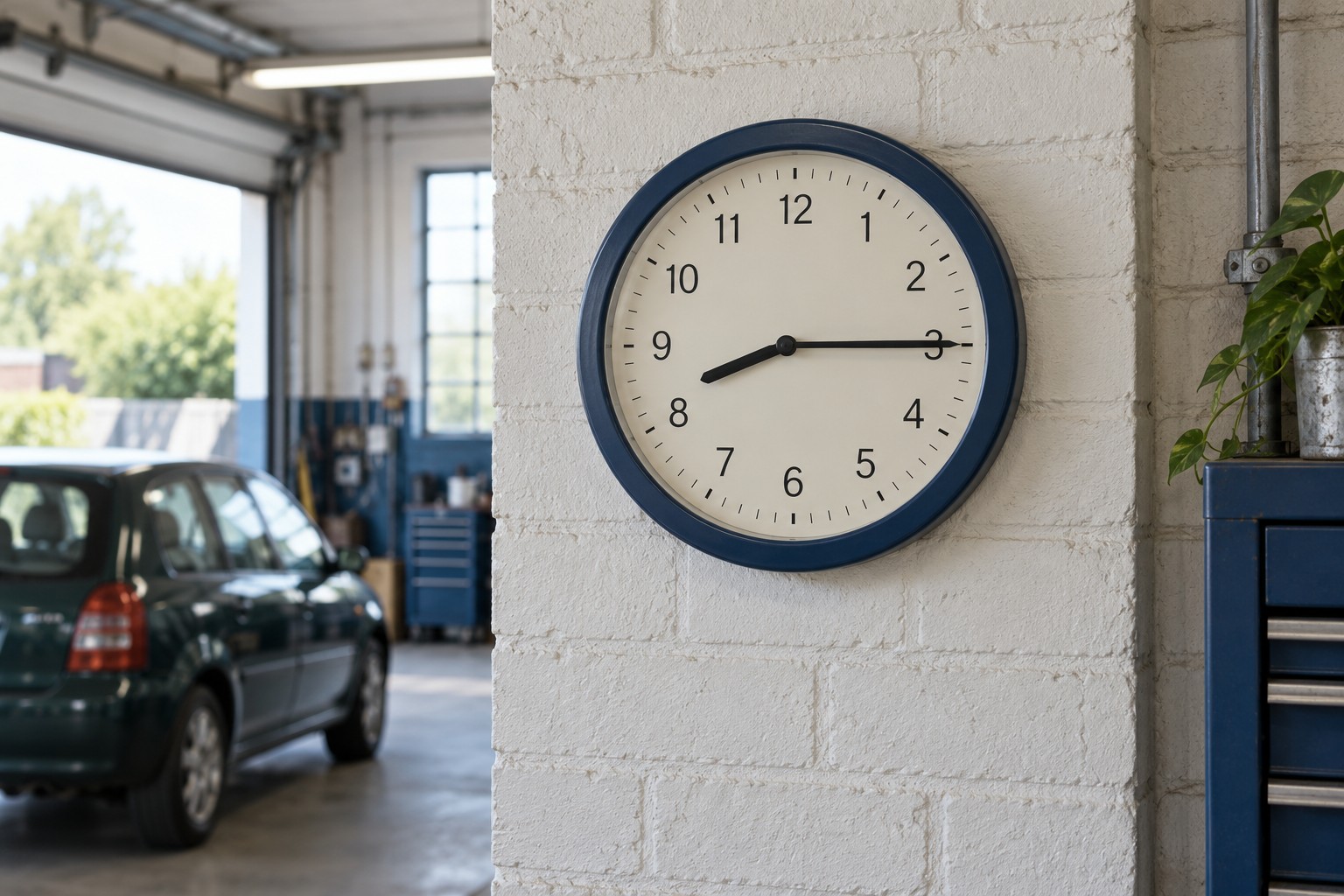
An hour's job at half eleven sounds reasonable until somebody remembers Saturday's closing time. In this example, the garage shuts at twelve. The start is inside opening hours. The finish is another matter. Apparently the clock has declined to squeeze sixty minutes into thirty. Unhelpful of it.
MechanicO's “Opening hours” setting deals with that small but familiar problem. It lets a garage save its normal weekly pattern, with an opening and closing time for each working day. Booking then checks that an appointment begins and finishes within those hours. This is an existing feature, useful whenever the diary needs to match the hours the garage can actually work. [1]
It is more than a note about when the door opens. Those saved times form part of the appointment availability check. A closed day offers no appointment times; an open day still needs enough room for the whole job.
Give each day its proper window
Sign in to your garage's Booking workspace and open “Garage setup”. Find the “Opening hours” section. It has a row for every day from Monday to Sunday, with a day checkbox and opening and closing time fields. [1]
Tick the days the garage normally opens and enter their times. Leave a day unticked when it is normally closed. You can give Saturday a shorter window than Monday without pretending the whole week has the same routine. When the pattern is right, choose “Save garage settings”. An enabled day needs a valid opening and closing time. [1]
I'd check the seven rows together before saving. It is easy to concentrate on weekdays and leave the weekend saying something nobody intended. Sunday deserves a deliberate answer, even if that answer is closed.
Now take an illustrative service lasting sixty minutes, with a fifteen-minute Cleanup buffer, at a garage closing at noon. It needs seventy-five minutes inside the working window. A start at eleven would finish at 12:15, so it does not fit. The buffer counts too; closing time is not permission to leave the changeover outside the plan. [1]
The setting does not promise a slot simply because the garage is open. Booking also checks a suitable bay and an available mechanic, plus a helper where the service requires one. Staff shifts must cover the appointment. Opening hours define the outside boundary; the people and resources still determine what fits inside it.
Use the weekly pattern as a useful check
I'd begin with the hours the workshop can reliably support, rather than the longest opening times that sound inviting. If reception stays open later than the people doing the work, that difference deserves a conversation before it becomes an appointment problem.
For an ordinary weekly review, I'd compare the saved pattern with the hours the team is expecting to work. Has Saturday become a half day? Has a regular late evening stopped? Small changes are easy to remember in conversation and easy to forget in settings.
I'd also look at the last jobs in the day. If a service will not fit near closing, check its duration and buffer as well as the closing time. Extending the garage's hours just to make a long appointment appear is not much help if nobody can stay to finish it.
This form is a weekly pattern, with one opening window per day. Do not treat it as proof that a one-off holiday or a split working day has been separately arranged. Those need their own deliberate scheduling check.
And after changing the pattern, check any existing appointments that might be affected. Saving opening hours is not evidence that earlier bookings have moved or customers have been told anything.
The useful habit is modest: make the saved week agree with the working week. Then let closing time mean the end of the appointment, rather than the beginning of an awkward conversation.