Picture a Thursday at the garage desk. Tomorrow's MOT bay has a gap, the tester is on shift, and the phone is quiet. A driver a few streets away needs an MOT, but has no reason to know about that gap. The diary knows. The driver does not.
MechanicO's public nearby search helps close that small gap. A driver can look for the work they need in an area they choose, on a day that suits them. The result is a garage with a suitable time, rather than a long list of names to ring one by one. [1]
Start with the job and the place
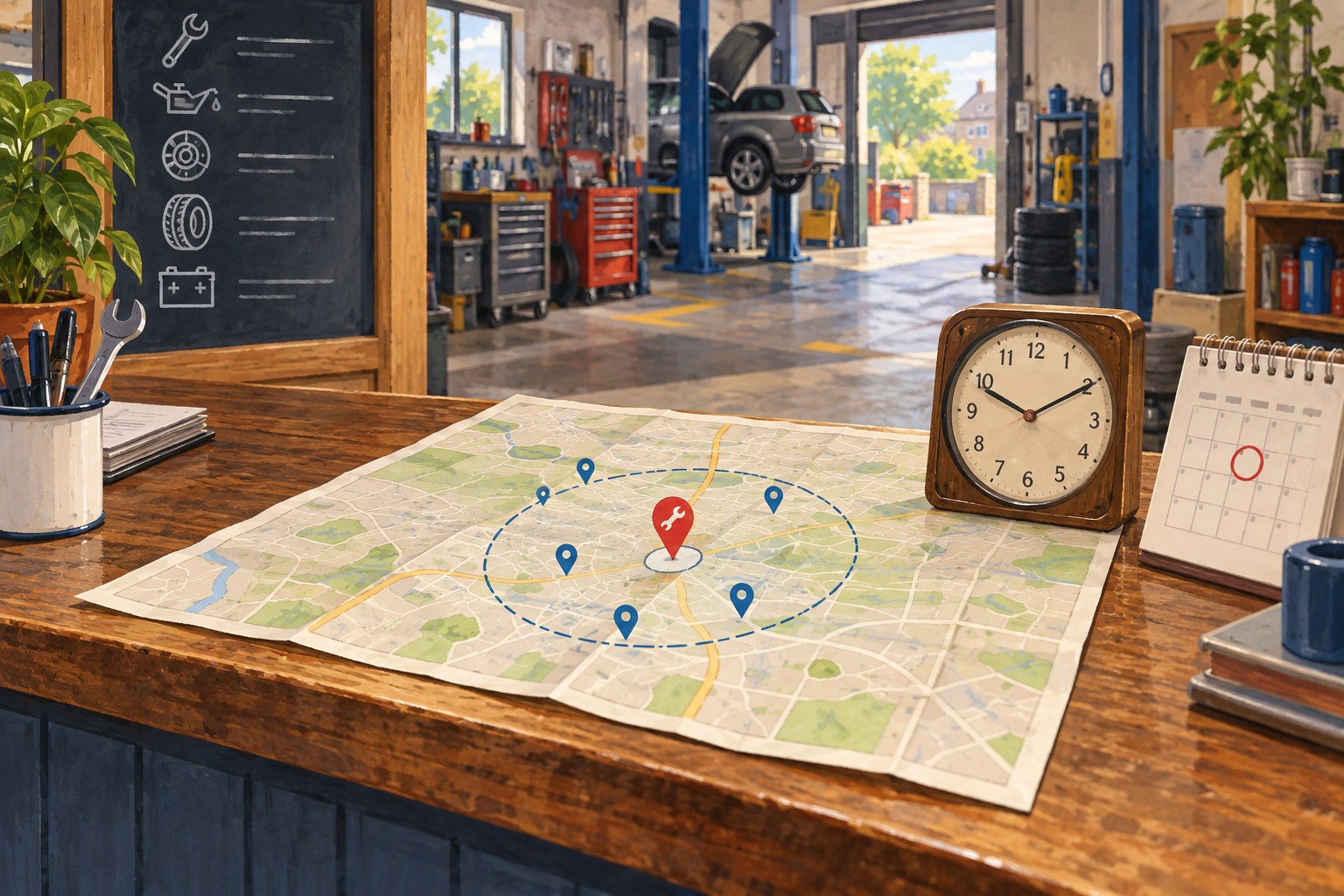
Open the public garage search. Choose a service category, enter a full UK postcode or a postcode district, choose the maximum distance, and pick a preferred date. Then press Show available garages. The distance choices are 5, 10, 15, 25 and 50 miles. [1]
A full postcode gives the search a more precise starting point. A district such as PE1 uses an approximate centre, so any distances shown are approximate too. That is worth remembering if the garage is near the edge of a district. A couple of miles on a map can feel rather longer in Friday traffic.
The service choice matters just as much. Searching for an MOT category looks for a garage service linked to that category. It does not quietly turn a request for one sort of work into another.
See a time before following the link
A garage appears when it has chosen to be listed, offers the matching service and has a suitable time on the selected day. Each result shows the garage, its location, the matched service, a starting estimate and the first suitable time. It also shows the distance from the searched postcode. Paid placements may appear first, and the page labels them. [1]
The driver can follow the result to that garage's own booking page with the service and date already selected. They still need to choose a time, enter their details and send a request. The time in search is not held for them, and the garage page checks availability again. The request is pending until the garage accepts it.
That distinction matters at a busy desk. A useful search result starts a conversation with a plausible time. It does not put an appointment on the board behind your back.
Make the garage findable
For a garage to appear in this search, its owner needs to enter a full postcode in Garage setup and switch on MechanicO driver search. The relevant active service also needs to be linked to the service category. Keep the service, rota and bay details current, because the search checks actual availability before it shows a result.
If I were preparing the desk for tomorrow, I would try the public search with the garage's postcode district, one common service and tomorrow's date. I would start at 5 miles, then try a wider distance if needed. If my garage did not appear, I would check the listing switch, service link and schedule before assuming that nobody could find us.
I would repeat that check after changing a rota or taking a bay out of use. It is a read-only way to see the offer from a driver's side without entering customer details or making a booking.
No result for a particular day does not mean the garage has vanished. It may have no suitable time then, or it may have chosen not to appear in nearby search. Its direct booking page can still work. Try another date or a wider distance when that fits the job.
A spare hour is more useful when the person who needs it can find it, and the workshop can genuinely do the work.